From signup to live calls in 5 minutes
Forward your existing number, train Zevaux on your business, and start capturing every call. No hardware, no software install, no phone-system migration.
Get Started in 4 Simple Steps
From setup to answering calls in under 5 minutes. No technical expertise required.
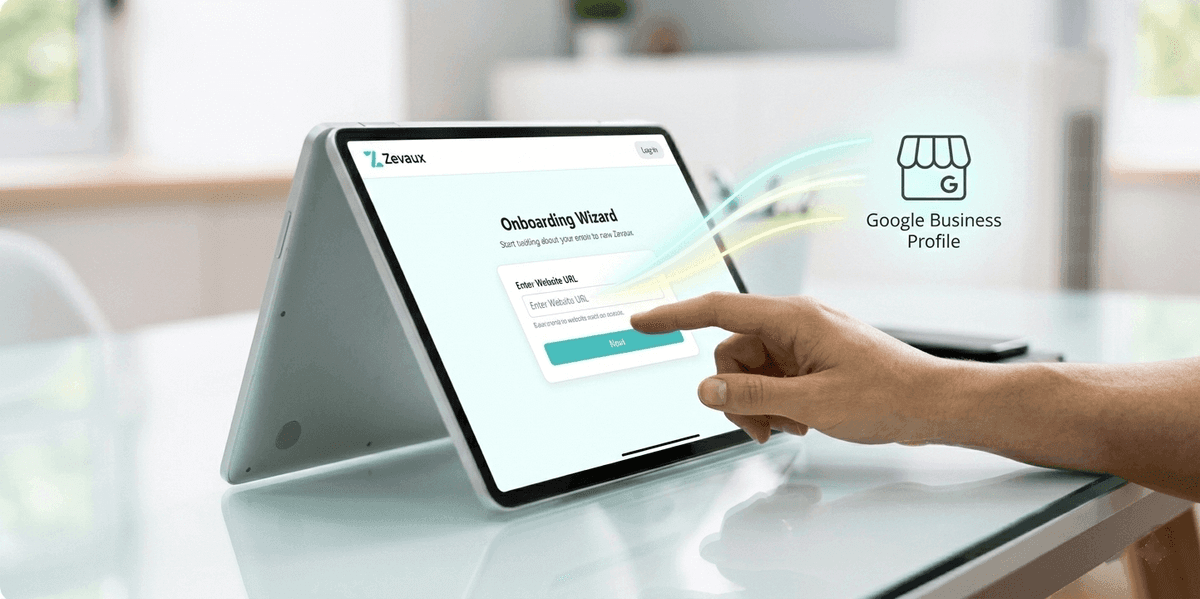
Train Zevaux on Your Business
Add your website URL or Google Business Profile. Zevaux automatically learns your services, hours, and business information in seconds.
- Import from website or Google
- Add custom FAQs and answers
- Set your business personality
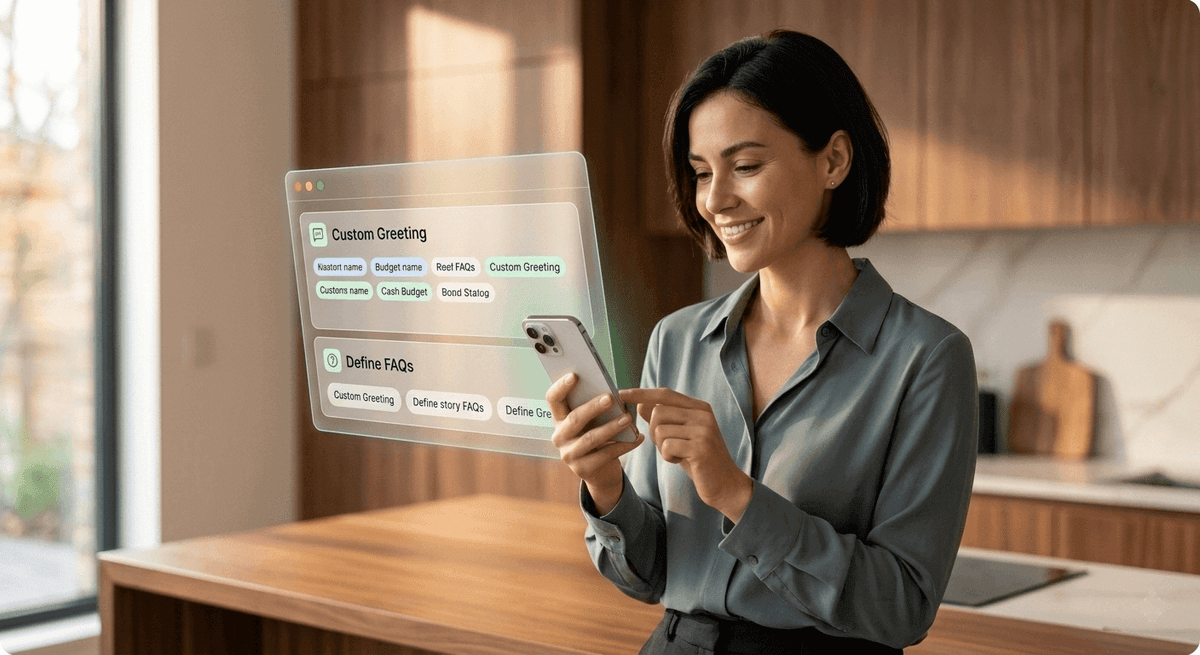
Customize Your Experience
Review and personalize Zevaux's responses. Set up greetings, define message-taking questions, and configure call handling rules.
- Custom greeting scripts
- Define key questions to ask
- Set up spam filtering
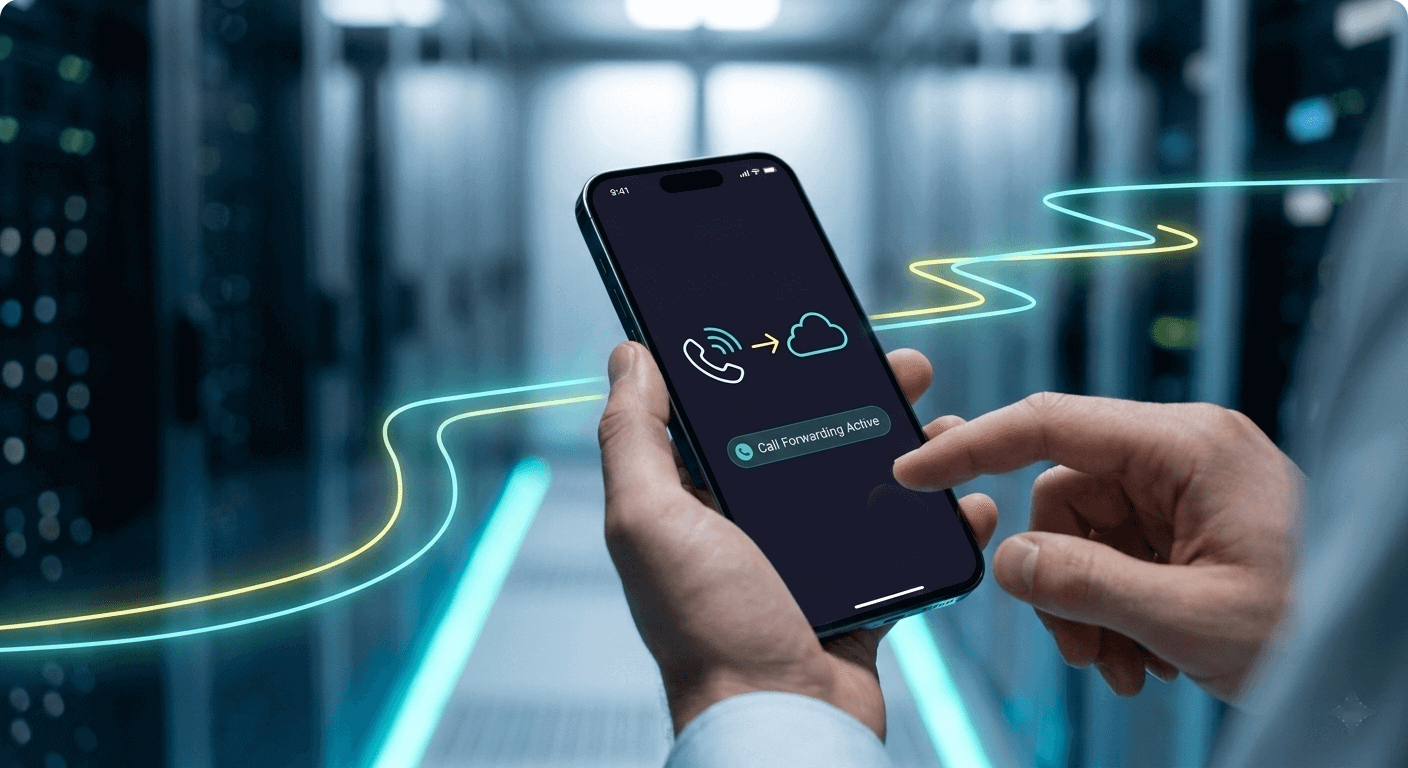
Forward Your Calls
Simply forward your existing business number to Zevaux. No phone system changes needed. Your customers call the same number they always have.
- Keep your existing number
- Simple call forwarding setup
- Works with any phone provider
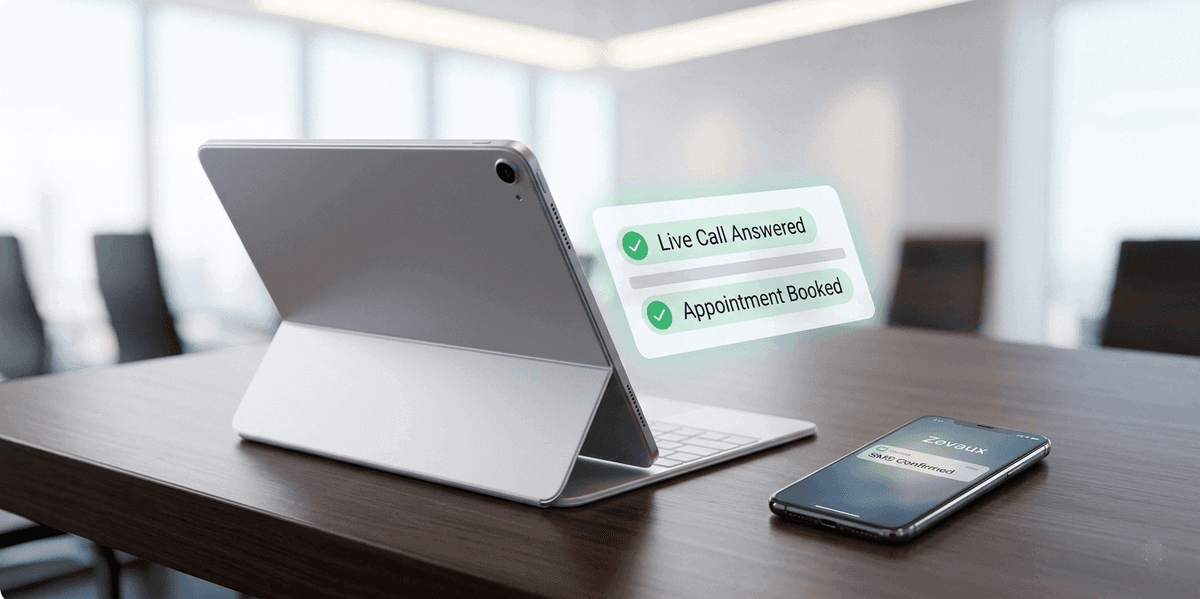
Zevaux Answers & Books
Zevaux answers calls, responds to questions, books appointments, and sends you instant notifications. Every call is recorded and transcribed.
- Instant email/SMS alerts
- Full call recordings
- Complete transcripts saved
From signup to live calls in 5 minutes
Most teams are taking real customer calls within a quarter of an hour. Here's exactly what happens.
Create your account
0:00Sign up with email. No credit card needed for the 7-day free trial.
Onboarding wizard runs
0:02Add your business name, services, hours, service area, and other. Most teams paste their website URL and let Zevaux auto-fill the rest.
Forward your number
0:08Set up conditional forwarding (overflow, after-hours, or always) from your existing phone number. Follow step-by-step instructions in the setup page.
Test with a real call
0:12Call your business number from your phone. Zevaux answers, asks your intake questions, and texts the summary to your team within seconds.
You're live
0:15Real customer calls now flow through Zevaux. Refine the script, voice, or workflow any time from the dashboard.
Watch our quick setup demo to see how to connect and configure Zevaux.
Inside a 90-second Zevaux call
A real conversation flow - what the caller hears, what Zevaux is doing under the hood, and what lands on your team's phone the moment the call ends.
Hi, thanks for calling Apex HVAC - this is Avery. How can I help today?
Hey, my AC stopped cooling about three hours ago and the house is getting really warm.
Oh I'm sorry about that - sounds urgent. Can I grab your name and the address we'd be coming out to?
James Wilson, 1214 Cedar Lane, Alexandria, Virginia. 22314.
Got it. Is the system still running but blowing warm air, or is it not turning on at all?
Still running, but it's only blowing room-temperature air.
Okay. I'll get one of our techs out to you today. What's the best number to text the confirmation to?
555-0123. And please send a text when you're on the way.
Perfect James. You'll get a confirmation text in just a moment, and another when the tech is en route. Thanks for calling!
James W. · AC not cooling, 3hrs · Alexandria VA 22314 · Same-day · 555-0123
- Customer name + callback number
- Issue type + symptom detail
- Service address + ZIP
- Urgency: same-day needed
- Full audio recording
- Verbatim transcript
- Conversation summary
James got a same-day repair booked in under two minutes. Your tech sees the full context before driving out. No voicemail, no callback tag, no lost lead.
Customize how Zevaux handles every call
Nothing is hard-coded. Every part of the call flow is yours to shape and changes go live the moment you save.
Voice & greeting
Pick from 12+ natural voices. Customize the opening line, business name pronunciation, and personality.
Intake questions
Define exactly what Zevaux asks - service type, urgency, address, insurance status, anything you'd ask yourself.
Forwarding rules
Overflow only, after-hours only, or always-on. Configure on your carrier in 2 minutes.
Business hours
Set hours, holidays, and how off-hours calls are handled - emergency triage vs. polite callback.
Alerts & routing
Choose who gets the SMS - owner, dispatcher, on-call tech. Different rules for emergencies vs. routine.
Booking workflow
Connect Google Calendar or Calendly. Define which call types can book directly vs. request a callback.
Languages
Enable Spanish out of the box. No menu, no transfer - full conversation in either language.
Escalation logic
Define what triggers a warm transfer to a live human and who receives it.
Everything about onboarding
Questions teams ask before their first day with Zevaux.
Ready to answer every call?
Sign up, forward your number, and Zevaux starts capturing calls within the hour. If it isn't a fit, cancel before the trial ends and pay nothing.
7-day free trial · No credit card · Cancel anytime